


Nursery billing, from contract to payment
Find contracts, prepare pro formas and validate invoices. Documents can be generated as PDFs and emailed. Payment and reminder tracking supports managers in family billing.
CAF declarations, prepared and checked
The web module reconciles attendance and billing and flags issues. It prepares FILOUE, CMG and AFAS data, retains a frozen validated version and records a submission reference. An authorised person still submits on the official portal; the CMG summary must be copied into the CAF's required template.
Supplies and consumables management
Nappies, nappy cream, wipes and hygiene products: managers see available quantities and alert thresholds. Each usage, receipt and inventory correction is recorded with its author; receipts can include batch and expiry details.
Track daily or weekly usage
Charts show recorded usage, daily and weekly averages, and comparison with the previous period. Start and end dates are freely chosen, defaulting to one week, with a maximum of one year.
Your categories and access rights
Standard categories are shared by all nurseries. Each nursery can add custom categories. “View stock” and “Manage stock” permissions are assigned to existing roles; only authorised administrators can change them.
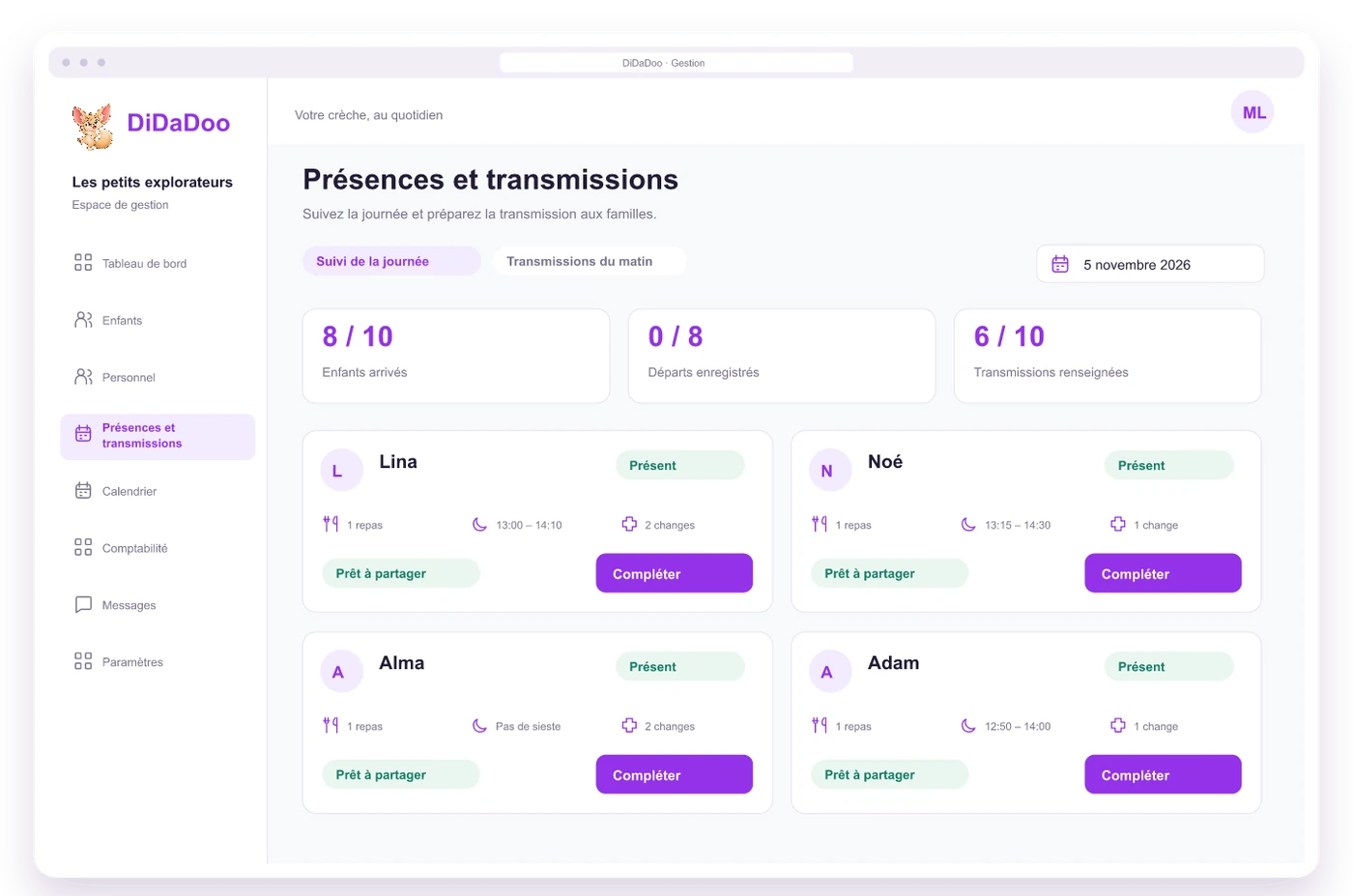
Attendance and handovers in one place
The log tracks arrivals and departures, morning information and daily updates. Managers find meals, naps, care, activities and the handover message for parents.
Records and the team
Web provides children's records and staff profiles. Permissions depend on roles and relevant records. A manager approves Team tablet pairing through the dedicated interface.
Calendar, messages and accounting
The nursery finds its calendar, messages, notifications and accounting modules in the management workspace. A demonstration clarifies uses and conditions suited to the nursery.
Photos linked to the day's moments
From the daily log and child's record, staff can add a photo and edit its day, moment and optional time. Parent sharing remains an explicit choice, subject to the record's permissions.
Frequently asked questions
Must software be installed on the computer?
The management workspace runs in a web browser. Team is used separately on Android tablets.
Can handovers be edited on the web?
Yes. Web lets users view and complete handovers and daily information according to their permissions.