


Send morning information
Before arrival, parents can enter wake-up time, night, breakfast, milk quantity and notes. The team can then read this information in Team and on the nursery web dashboard.
Follow the day's story
The shared log shows moments recorded by staff. The calendar makes it easy to select a date or return to today. Information without a recorded time is shown without an invented time.
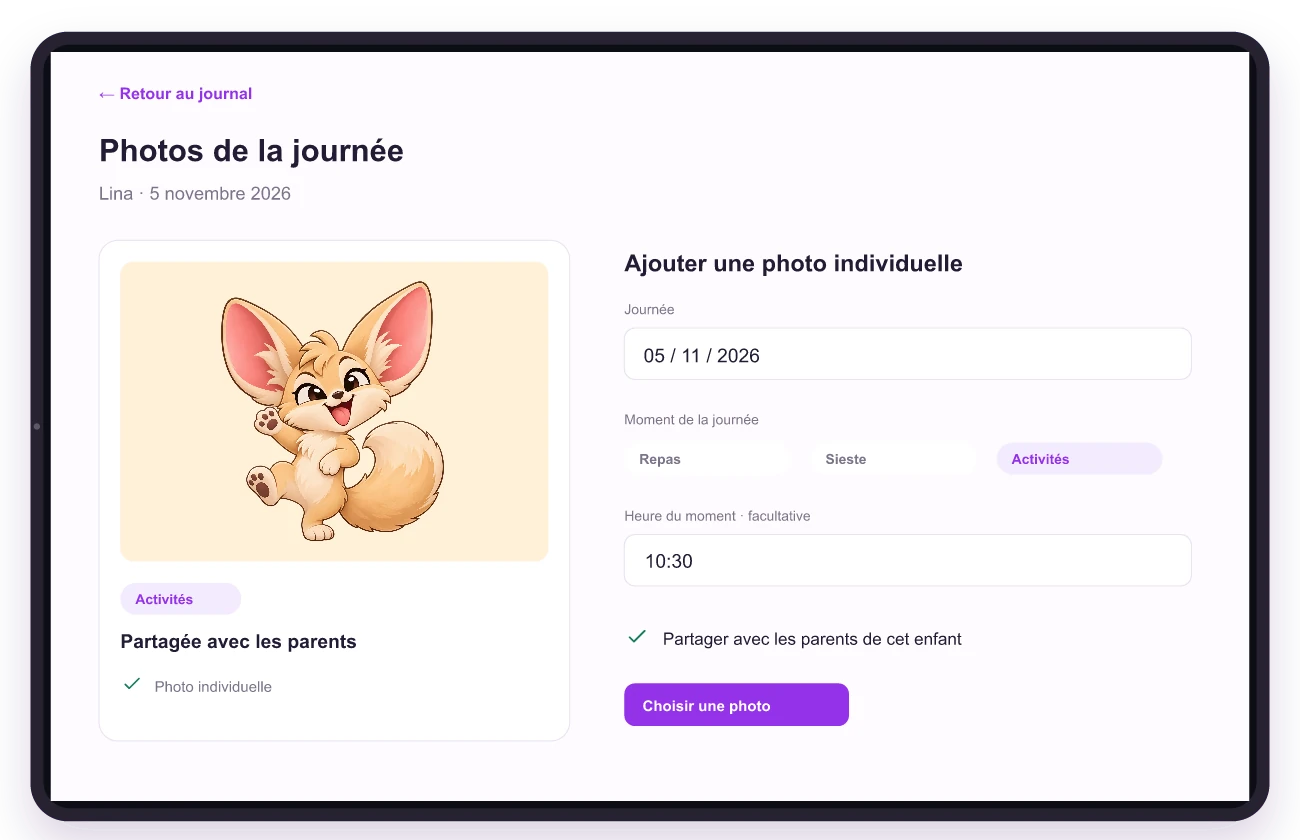
View photos of the day
Explicitly shared photos appear on the relevant day and can be opened full size. When a moment and time are provided, they locate the photo within the day's timeline.
Access linked to your child
Parent access depends on the link the nursery establishes with the child's record. Families cannot see other children's records or internal staff notes. The nursery must prepare the record and permissions.
Frequently asked questions
How do I get Parents access?
The nursery links the parent account to the child's record. Contact your nursery to check access.
Can parents see every photo?
No. A photo is visible to the child's authorised parents only when explicitly shared and allowed by the record's photo permission.